

01
Pick a Picture
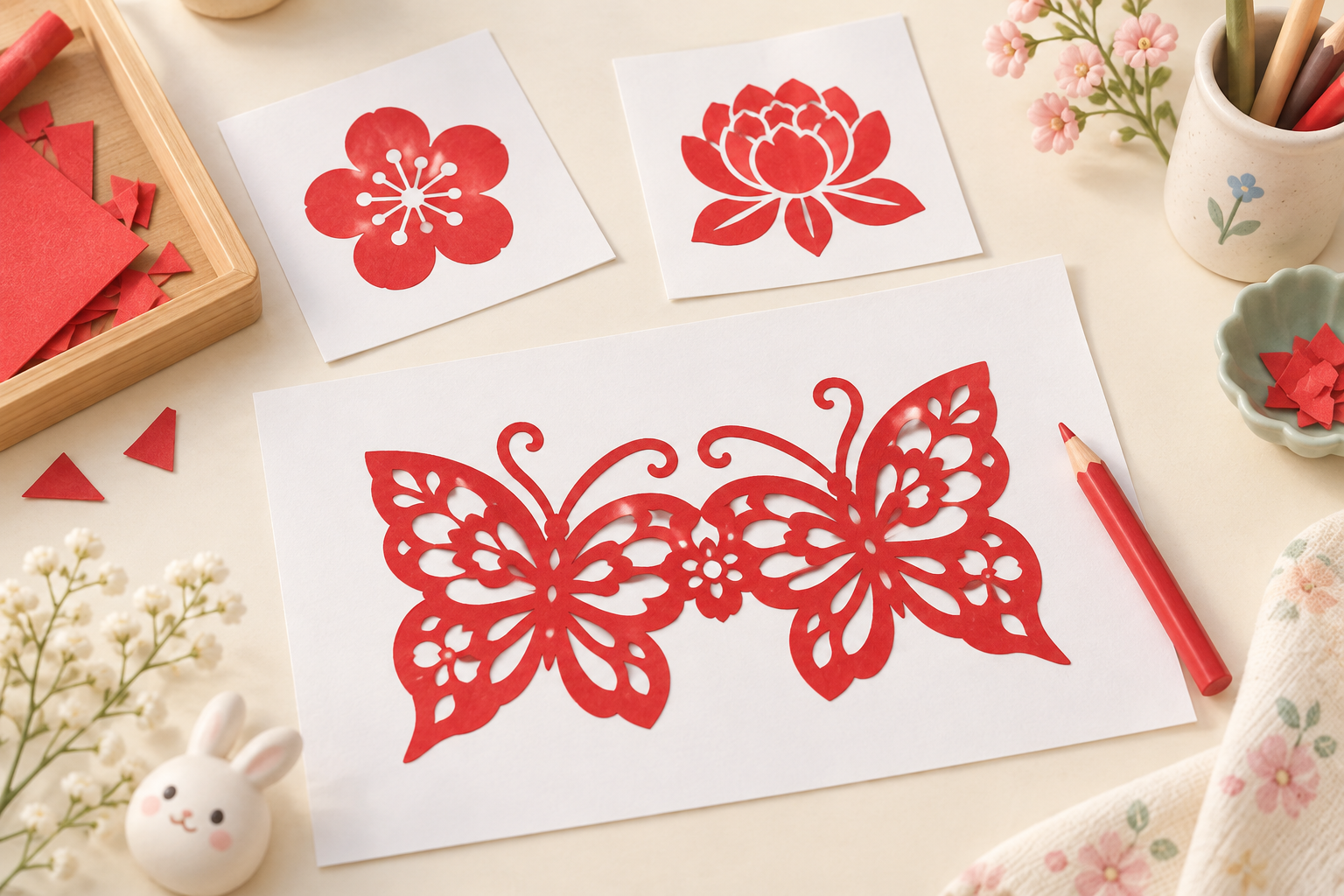
Choose a flower, animal, or festive pattern you love.
Creative Lab · Traditional craft, new possibilities
Heritage Papercut
Turn a picture into a printable red papercut decoration.
Make my papercut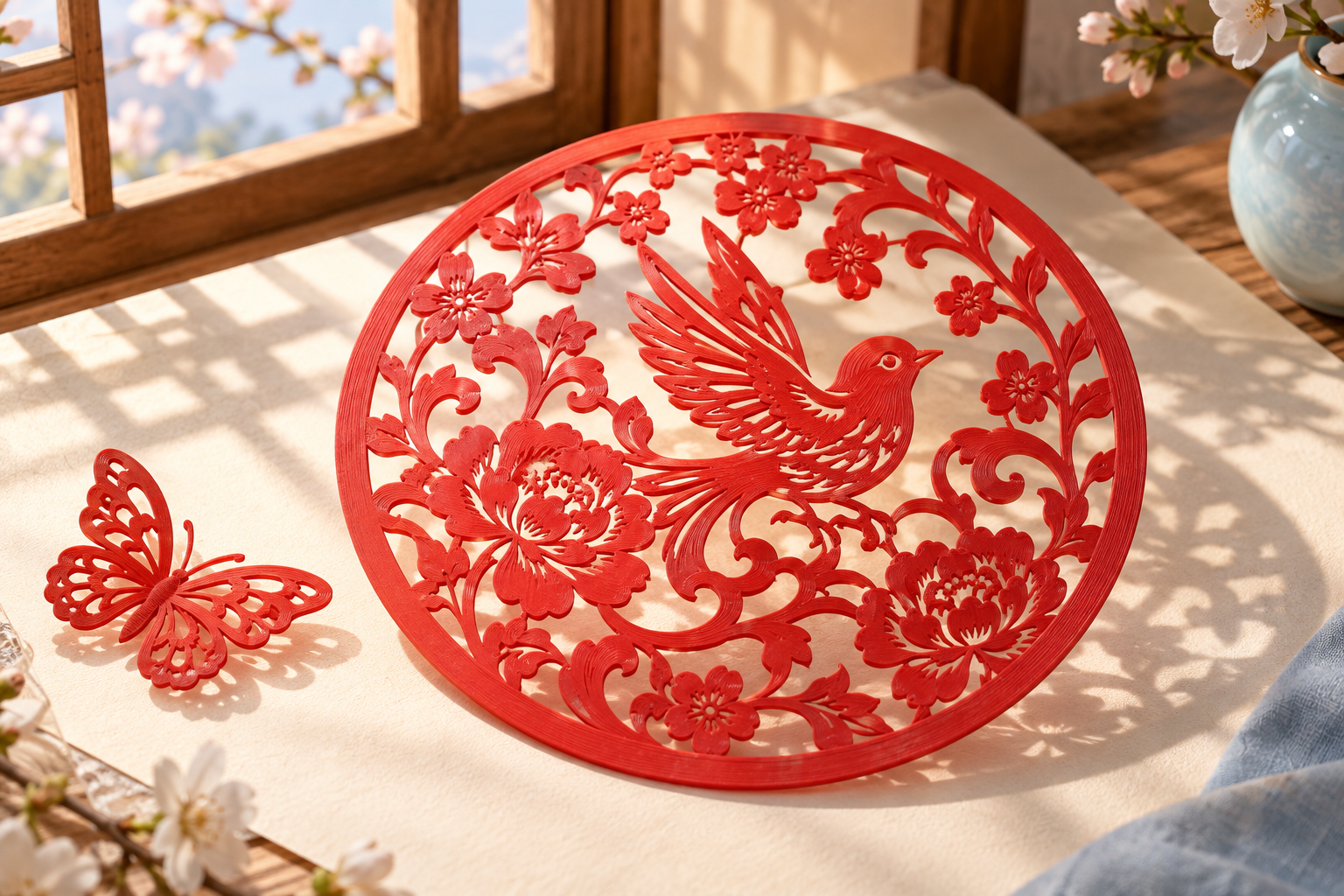
Choose, drop, or paste a picture. PNG / JPG, up to 10 MB.
Use a photo or drawing. Ready-made papercut patterns are traced directly; other pictures get an AI redesign first.
Upload a picture, let AI redesign it, then trace and print.
01
Choose a flower, animal, or festive pattern you love.
02
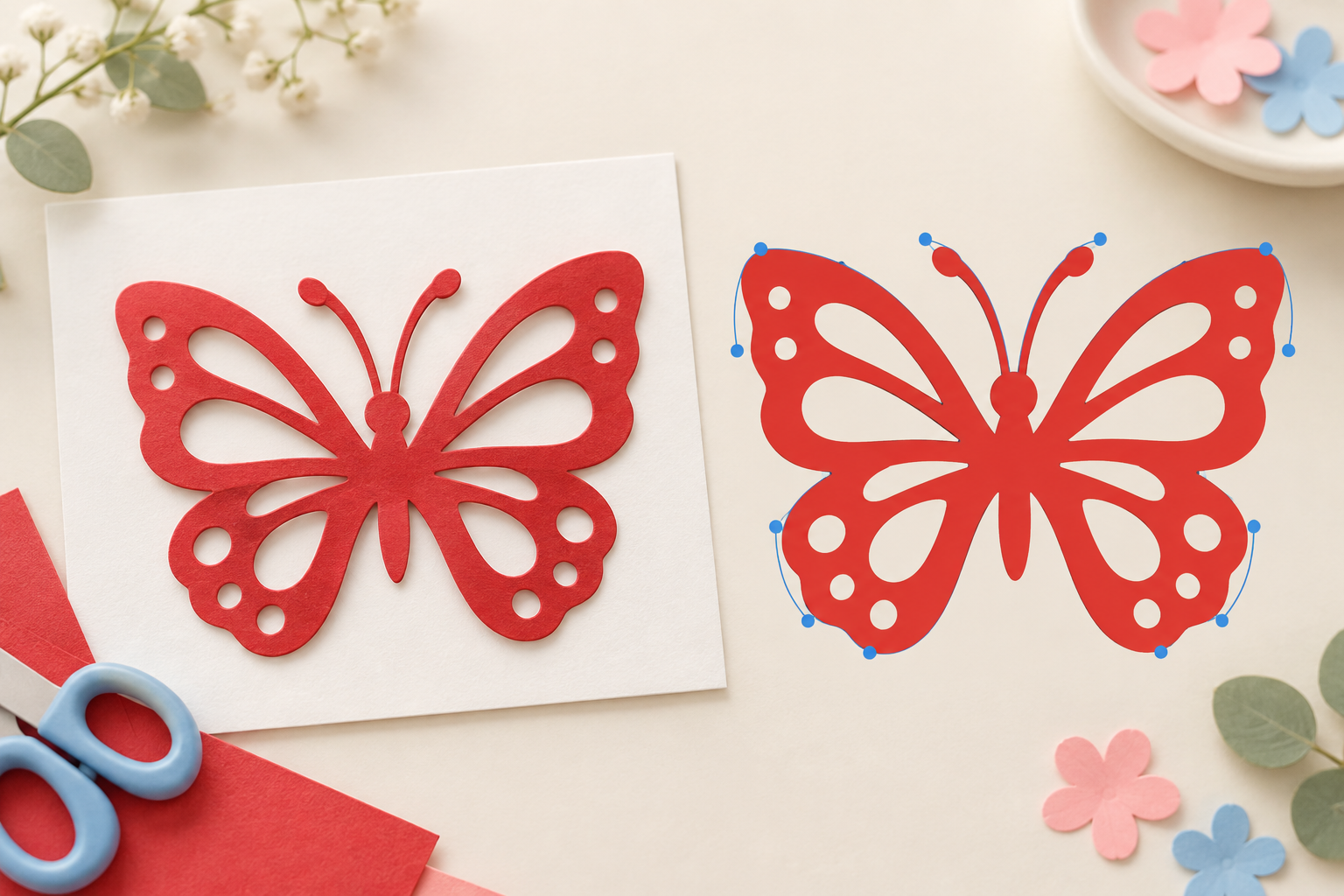
Ready-made patterns are traced directly. Other pictures are redesigned as papercuts first.
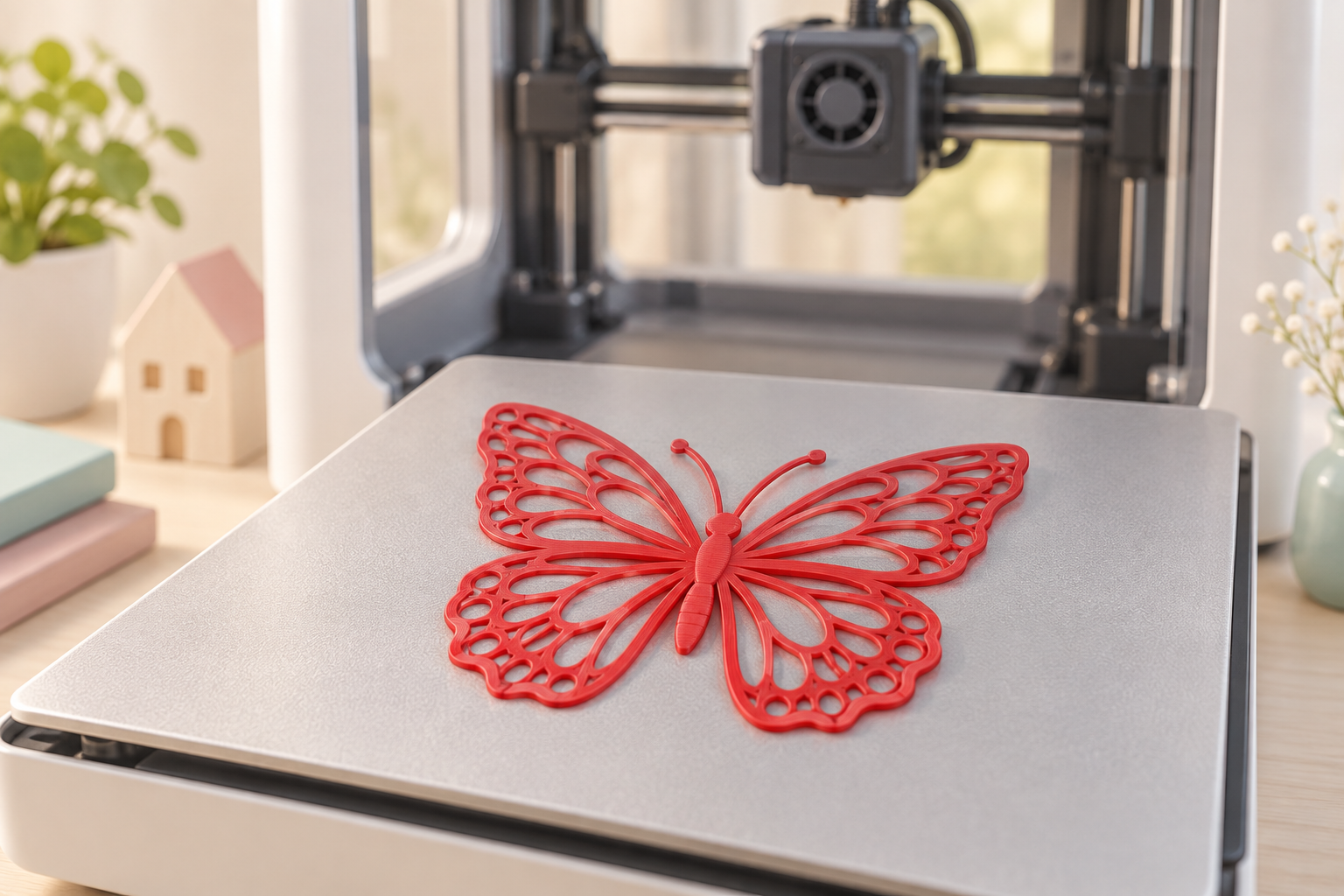
03
Create a thin 3D model and print with a grown-up.
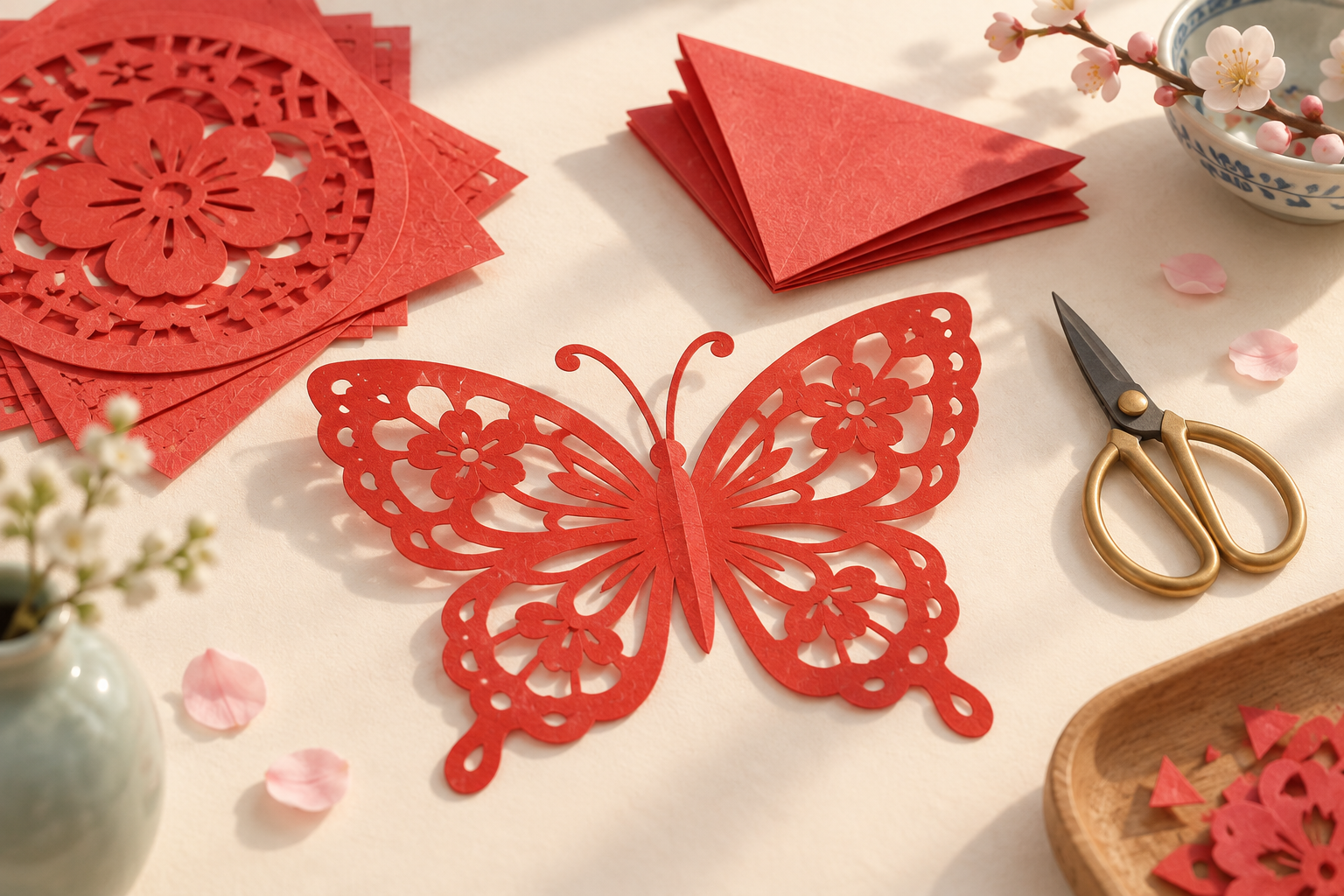
Chinese papercutting celebrates wishes through solid shapes and open spaces. Explore symmetry, flowers, birds, and zodiac animals as you make something of your own.
Decorate a window with your favorite floral shapes, or tuck a small design into a gift for someone you love.
Make my papercut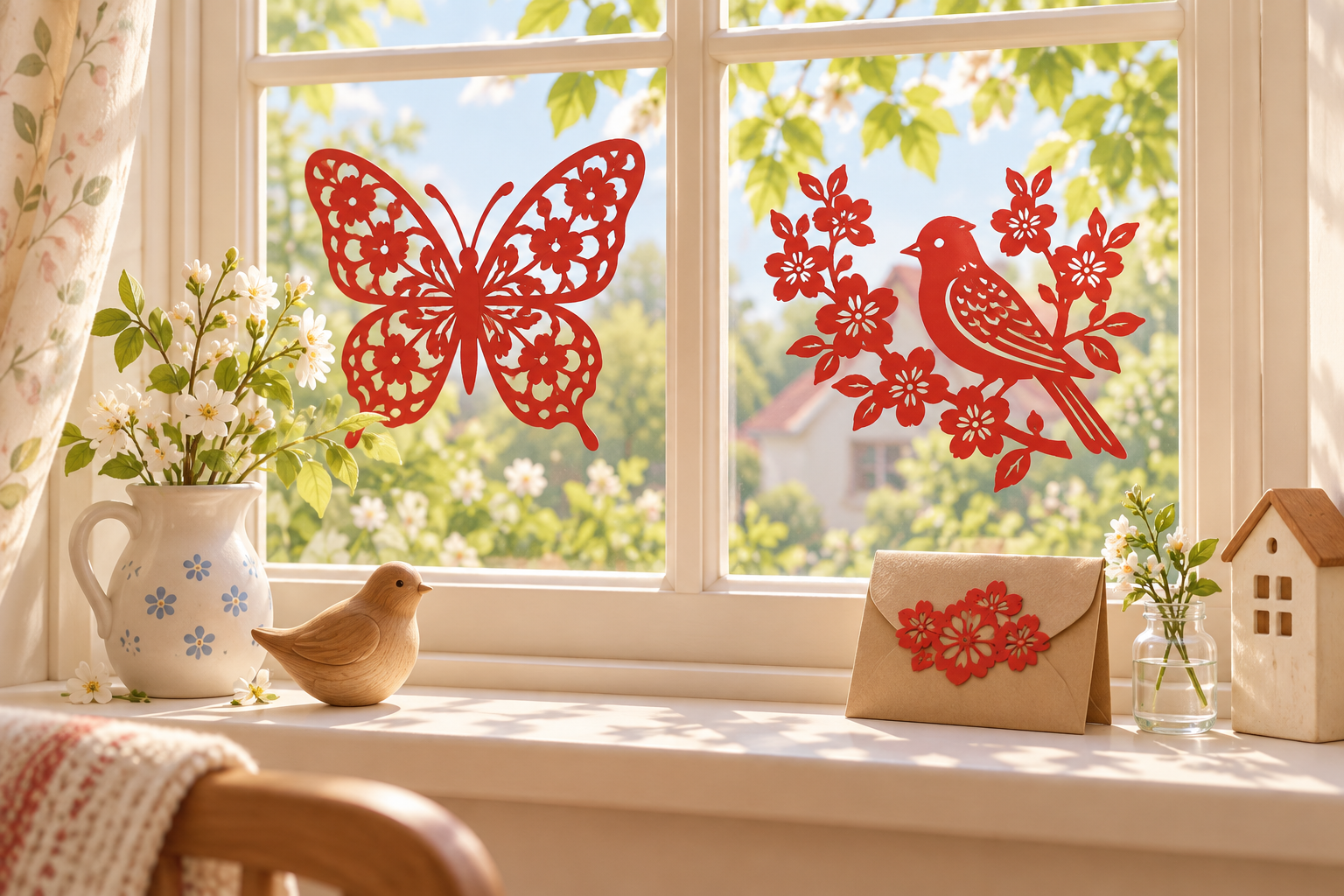
This tool makes a papercut-style 3D model. The printed material depends on your printer and filament; it is not paper.
AI redesigns your picture in a papercut style before tracing. Complex photos may be simplified. Compare the original and AI design, and redesign if needed.
AI tries to connect shapes and strengthen thin details, but connections are not guaranteed. Inspect separate parts and the sliced model, and redesign if needed.
AI design and tracing use your vector-image entitlement, as shown beside the button and in your account. Redesigning submits a new task and uses the entitlement again. Rebuilding at a new size does not trace the image again.