

01
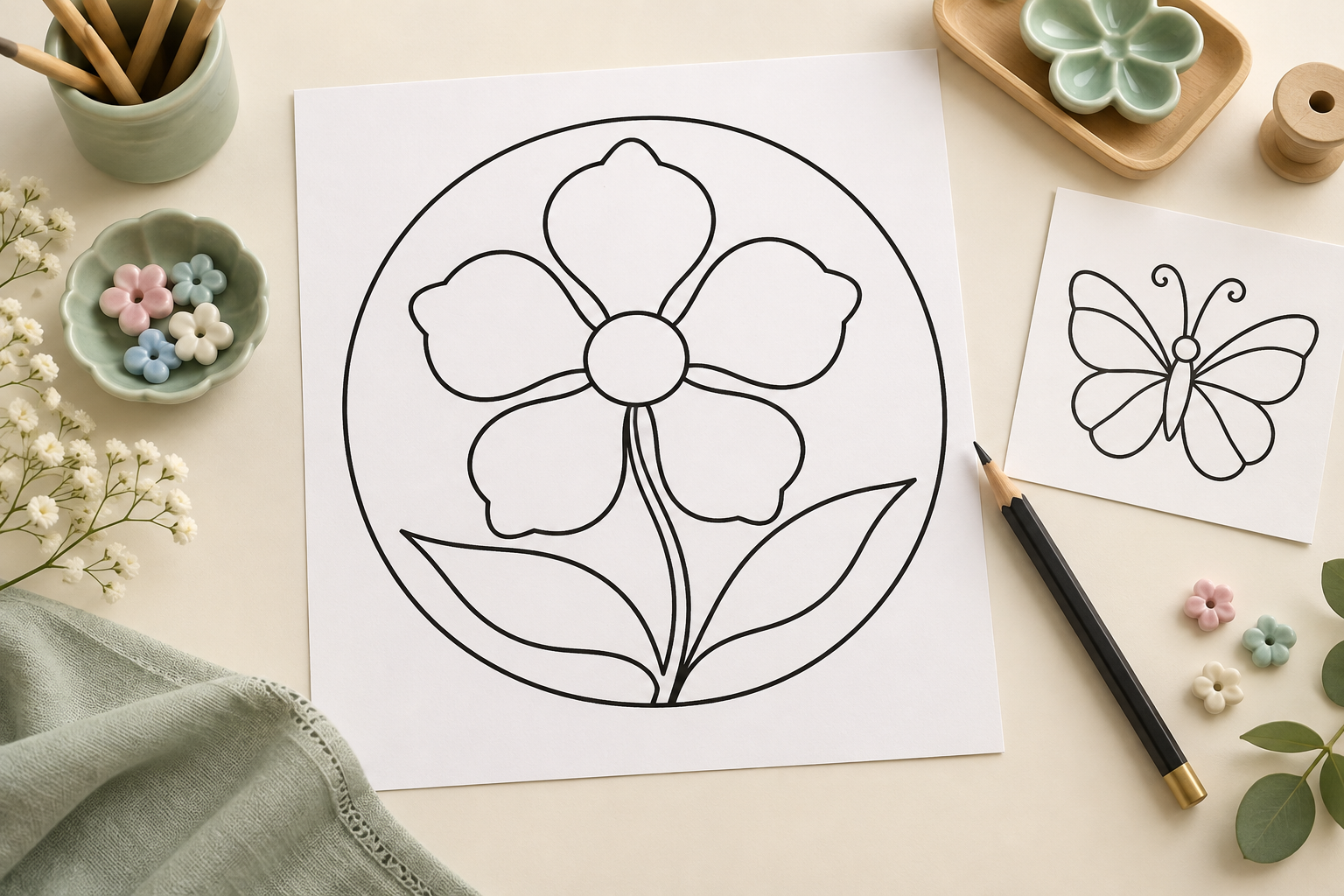
Pick a Picture
Choose a flower, animal, or little artist with clear lines.
Creative Lab · A little craft starts with a line
Cloisonné
Let AI turn your picture into a printable cloisonné-inspired outline.
Illustrations show outline and hand-coloring ideas. The tool makes a single-color openwork model without a backing, enamel filling, or firing.
Make my outline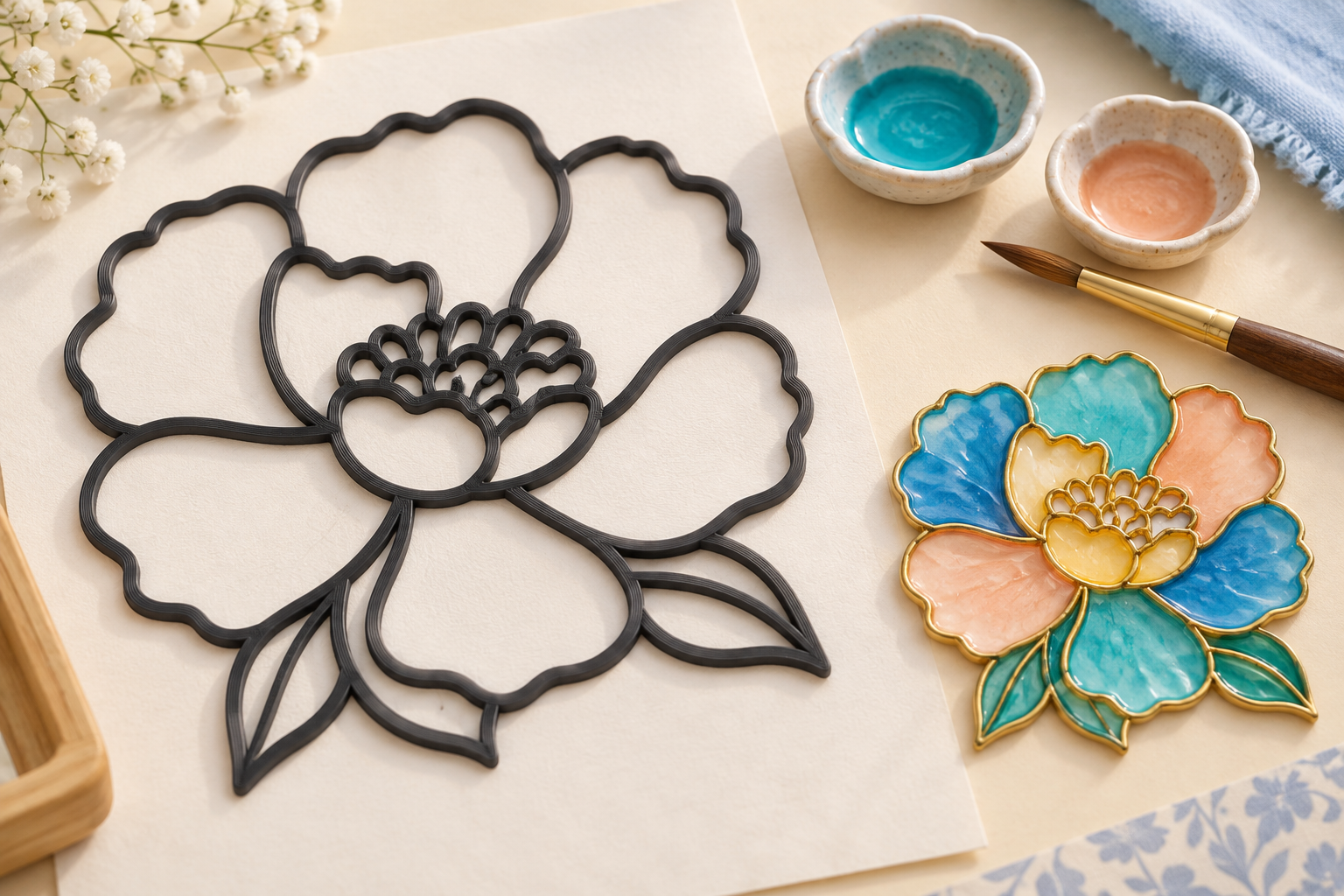

Choose, drop, or paste a picture. PNG / JPG, up to 10 MB.
Use a photo or drawing. Ready-made compartment outlines are traced directly; other pictures get an AI redesign first.
Illustrated steps. The printed output is a single-color openwork outline.
01
Choose a flower, animal, or little artist with clear lines.
02
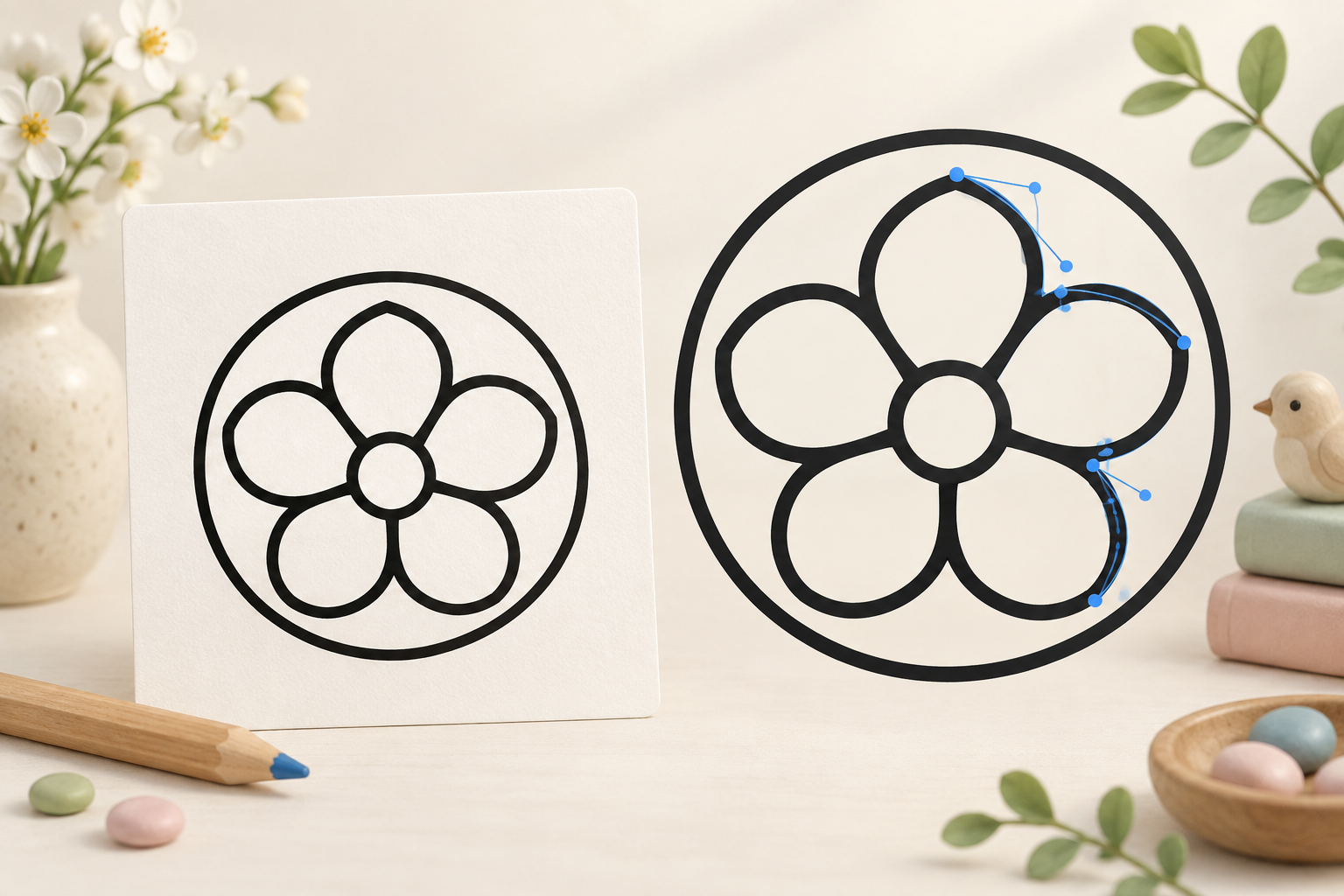
Ready-made outlines are traced directly. Other pictures are redesigned into compartments first.
03
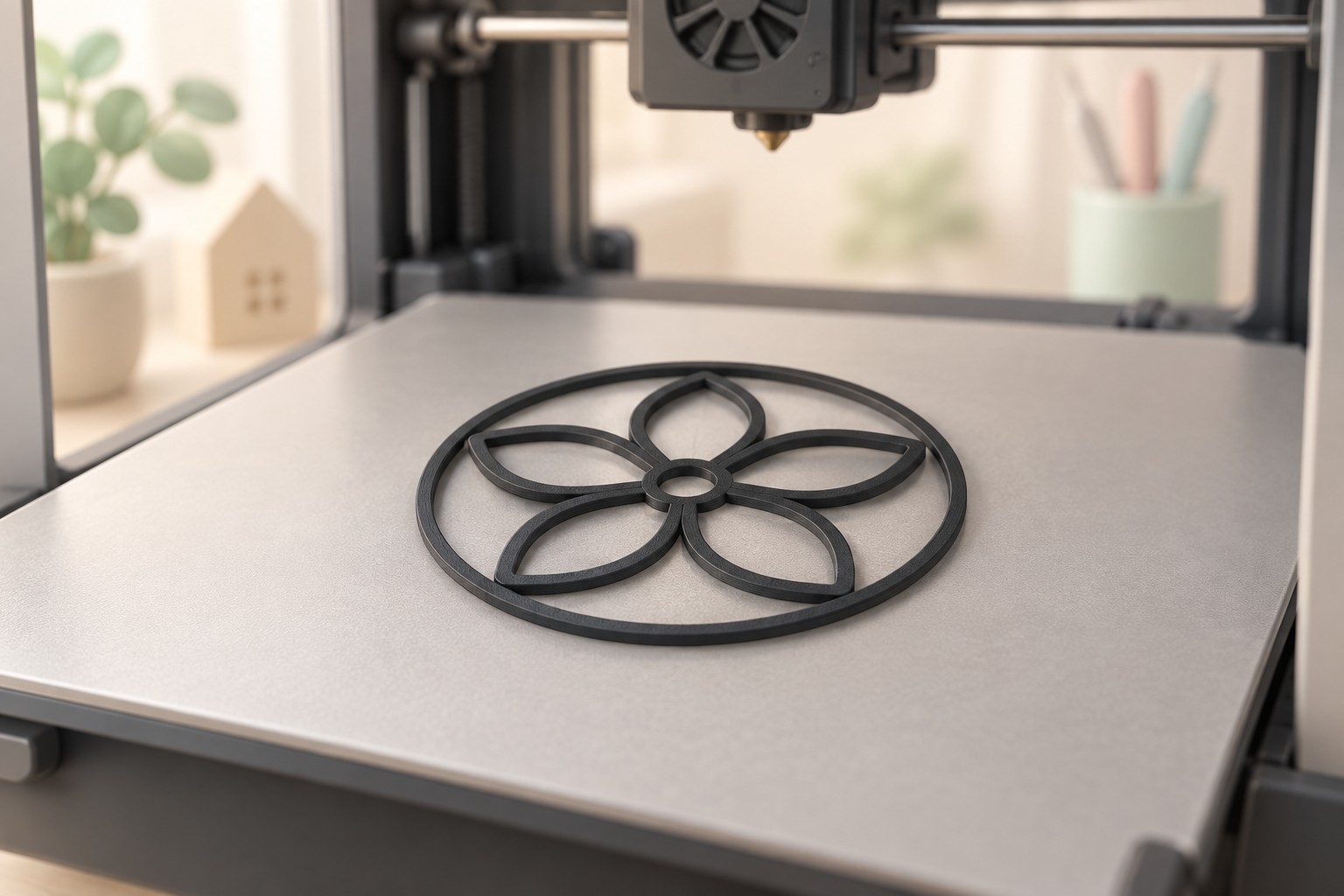
Create a single-color 3D outline and print with a grown-up.
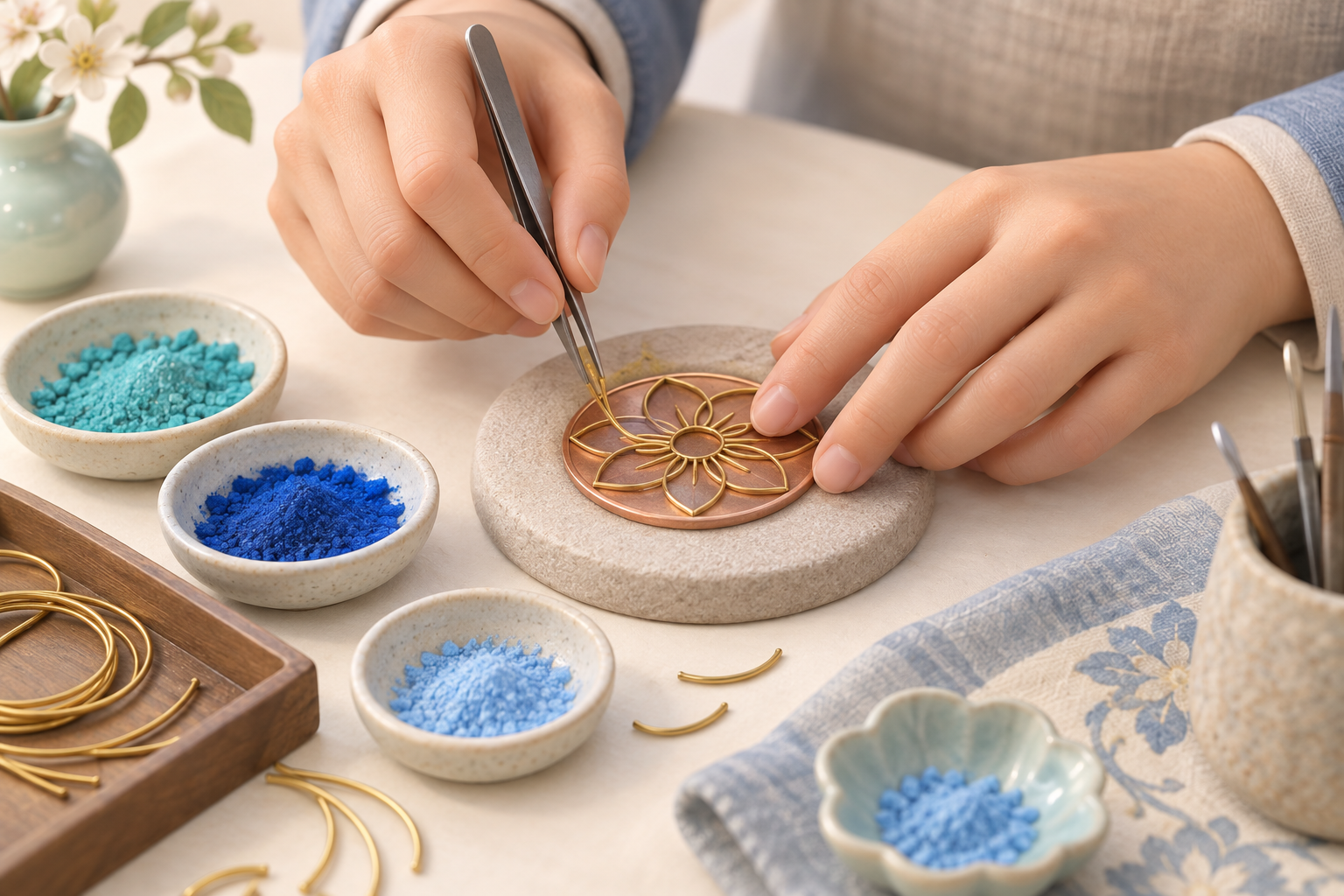
Cloisonné brings outlines and color together. Explore how lines divide a pattern, then try hand-coloring after printing. This printable activity introduces pattern design; it does not replace traditional metalwork, enameling, or firing.
Discover the spaces inside your outline. With a grown-up, prepare a separate backing and craft materials to try your own colors.
Make my outline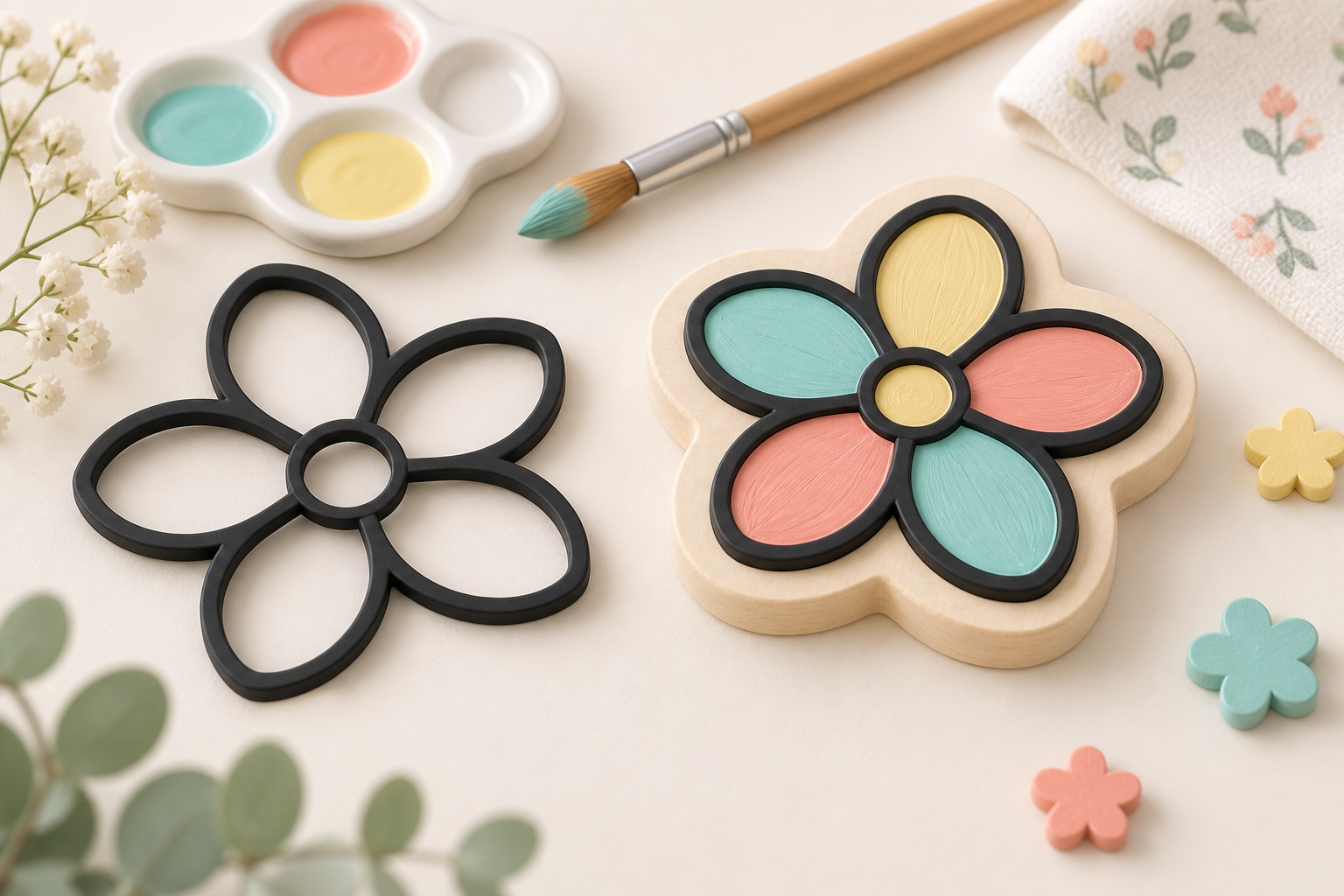
No. The tool creates a single-color cloisonné-inspired outline. Its physical material depends on your filament. Traditional metal wire shaping, enamel, and firing are not performed by this tool.
Upload a photo, artwork, or drawing. AI redesigns it with bold black outlines and enclosed white cells. Complex details may be simplified; inspect the design or redesign it.
No. The kept shapes are combined into one model with the most common non-white fill color. Black-and-white drawings usually give black outlines. Your filament determines the printed color.
AI tries to connect the walls, but gaps can remain. The model has no backing. Prepare a suitable backing and check gaps and thin details before hand-coloring with a grown-up.
AI design and tracing use your vector-image entitlement, as shown beside the button and in your account. Redesigning submits a new task and uses the entitlement again. Rebuilding at a new size or thickness does not trace the image again.